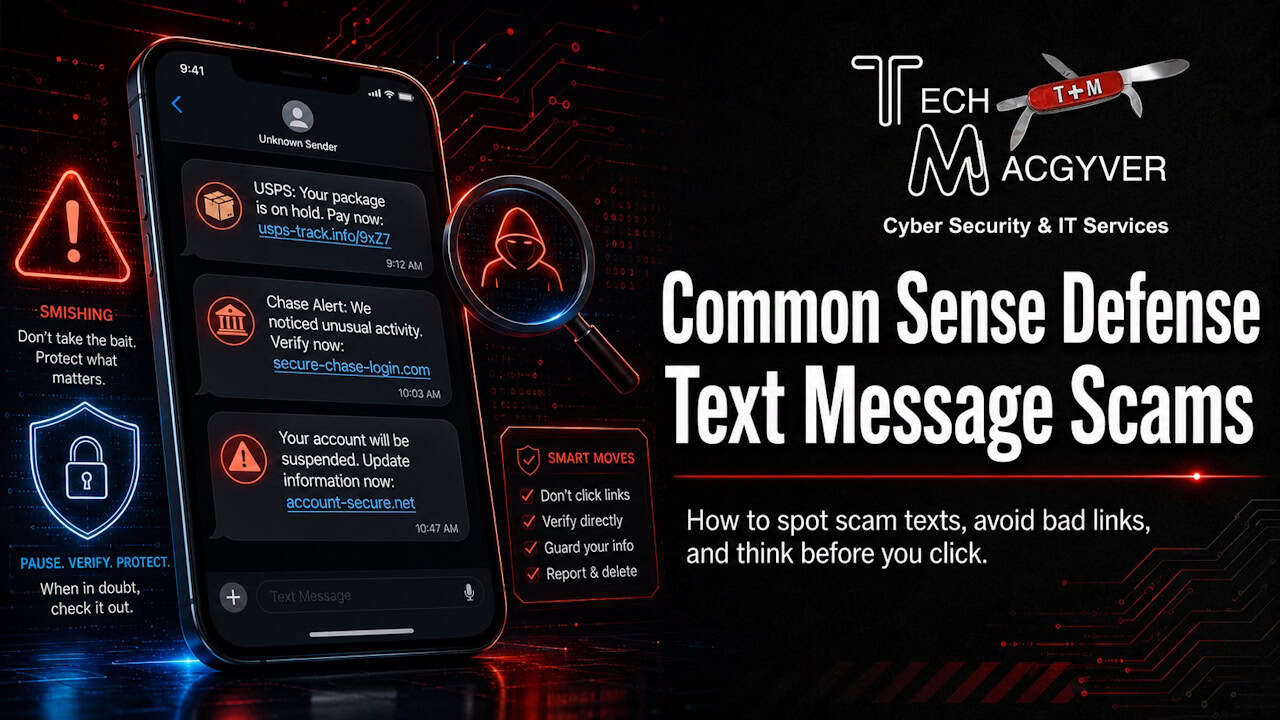
Criminals are continually developing new methods to trick people into sharing private information. Read along and learn how to stay one step ahead of scams and scammers.
How to Identify a Legitimate Message from a Fraudulent One
When scammers contact you, their messages will often:
- Not be written in clear, professional language that includes your name. It will often be vague so they can target many people with the same message. With AI, this is changing so you can’t count on the gross misspellings and lack of detail to be your only defensive indicator.
- Ask you to share passwords & PINs. A legitimate message should never ask you to share passwords, PINs, or full account numbers.
- Pressure you. A common scamming technique is to pressure you to act immediately or click on a link to verify your account. DON’T!
Think Before You Click - A Simple Mantra and its Steps
- Stop: Evaluate the link instead of clicking immediately.
- Consider the source: Was the message unsolicited? Did it come from a known contact or a suspicious email address? If in doubt, go directly to the organization’s website by typing the address yourself.
- Inspect the link: Can you long-press the link to see the actual URL that will be visited. Look for misspellings, odd characters, or a domain that doesn’t match the expected website.
- Question the urgency: Phishing scams often create a sense of urgency (“Your account is suspended!”) or play on your emotions like greed or fear to get you to click without thinking.
- Verify requests: If a link asks for personal or sensitive information, do not provide it. Instead, go to the website independently and log in to check for any alerts or notifications.
- Look for the lock: On the resulting page, check for the “https://” prefix and a padlock icon, which indicates a secure connection, though this does not guarantee the site is legitimate or one that has been recently hacked.
If you ever doubt the legitimacy of a message, follow these steps and trust your instincts. Contact the person or organization directly using their official phone number from their website and verify any communication attempt. Don’t fall for scams!
Quickly Enhance Your Mobile Security
You can add another layer of defense right from your mobile device:
On iPhone:
- Go to Settings → Messages and enable Filter Unknown Senders to separate unknown or suspicious messages.
- If you have upgraded to iOS 26, enable the Screen Unknown Callers feature and select “Ask Reason for Calling”.
On Android:
- Open Messages → Settings → Spam Protection and turn it on to automatically detect and flag scam texts.
When you block or report fraudulent numbers, you’re helping mobile providers and law enforcement update their scammers database, track and shut down malicious actors faster, thereby protecting yourself and others making us all safer.
Stay Vigilant!
Empower yourself with the knowledge and tools to stay safe.